
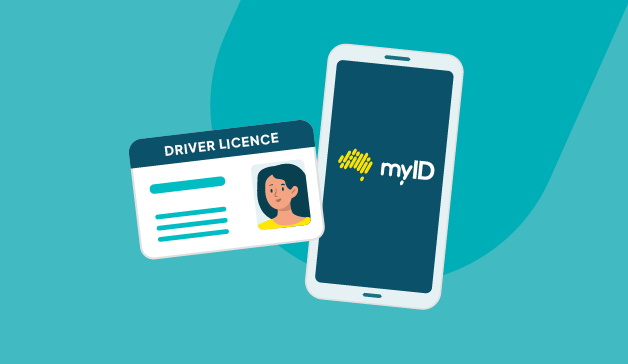
We’re introducing photo verification using a drivers licence to the myID app.
Why verify your photo
Verifying your photo is a one-off process which can:
- add an extra layer of protection to your myID - checking you’re a real person, the right person and verifying in real time
- help you increase your identity strength to Strong - when combined with other documents
- allow you to access more services with your myID.
While you can also verify your photo using your Australian passport in the myID app, the introduction of drivers licence makes this feature more accessible to millions of Australians.
Rolling out photo verification using drivers licence
Photo verification using a drivers licence is being gradually rolled out in the myID app to help ensure a smooth experience.
If you hold a Western Australian drivers licence, you can access the feature now – more regions to be added soon.
Just open your myID app, verify your drivers licence and follow the prompts. Make sure you’re using the latest version of the myID app.
While the feature to verify your drivers licence photo is built into the myID app, expansion to more regions depends on participation by each Australian state and territory in the National Driver Licence Facial Recognition SolutionExternal Link.
In the meantime, if the feature is not available in your region yet, you can verify your photo using your passport – find out how.
How to set up a Strong myID using drivers licence
To set up a Strong myID using a drivers licence you need to verify:
- your drivers licence or learners permit and photo – a one-off face verification check which involves taking a selfie that’s compared to the photo on your drivers licence.
- one of the following:
- birth certificate
- visa (using your foreign passport)
- ImmiCard
- citizenship certificate.
- your Medicare card (this option appears after you verify one of the above documents).
Find more information on verifying your ID.
Keep up to date
Stay tuned for updates here and in your myID app as more regions become available.
Back to news and updates