
Once you’ve set up your myID, you can use it to access government online services without verifying your ID each time or remembering passwords for each service.
Using myID to access online services
When you log in with myID, you'll switch between the online service and the myID app on your smart device to confirm your identity.
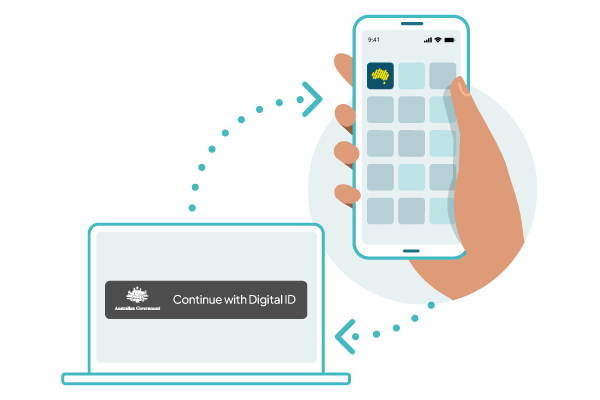
Go to the online service
- Go to the login page of the service you want to access.
- Select Continue with Digital ID.
- Select myID as your identity provider.
-
Enter your myID email address, then select Get code.
- Tip: select Remember me to log in faster when using the same device and browser in future. Not recommended if you use a shared device.
- A 4-digit code will appear on the login screen.
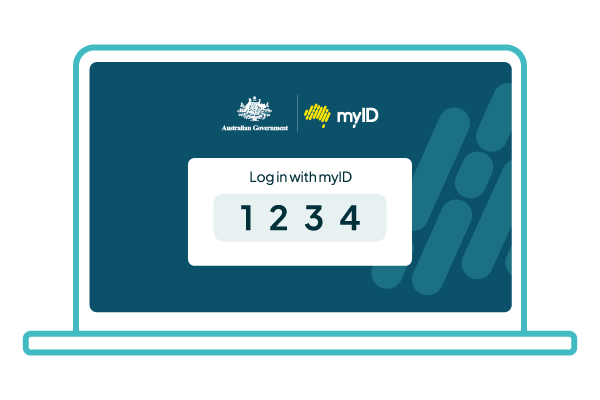
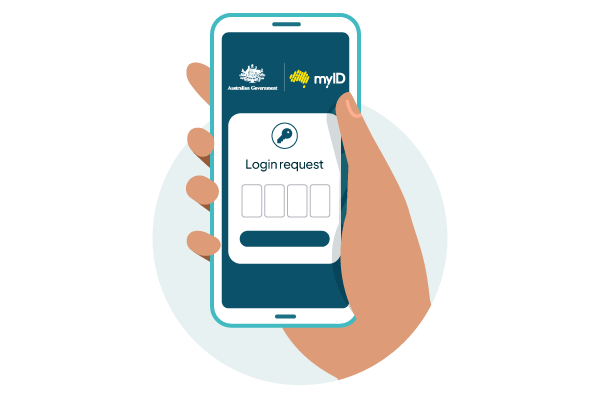
Confirm your identity in the myID app
- Log in to your myID app using your 10-character password, fingerprint or face.
- Tip: To log in faster, enable face or fingerprint recognition in your myID app.
- Enter or accept the 4-digit code in your myID app, then select Accept.
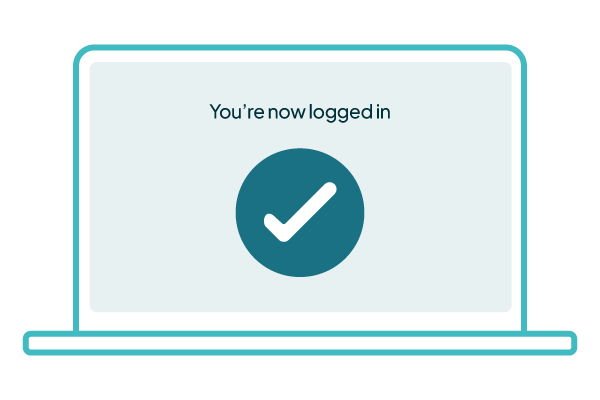
Return to the online service
- Select Consent to share the information.
- Select Continue.
Only the information needed is passed to the service you want to access. This may include:
- your name
- date of birth
- contact details.
Other ways to access online services
Most services that use myID are part of the wider Australian Government Digital ID System.
myID is not the only way to access government services. You can contact the relevant government agency to find out what other options are available.
If you need more support to access or use:
- myGov, see Using myID with myGov
- any other online service, check with the service provider.
myID is only used to access selected online services. You can’t use your myID in person as a form of ID, as you might use a driver’s licence.